Web Design Guide & Studio
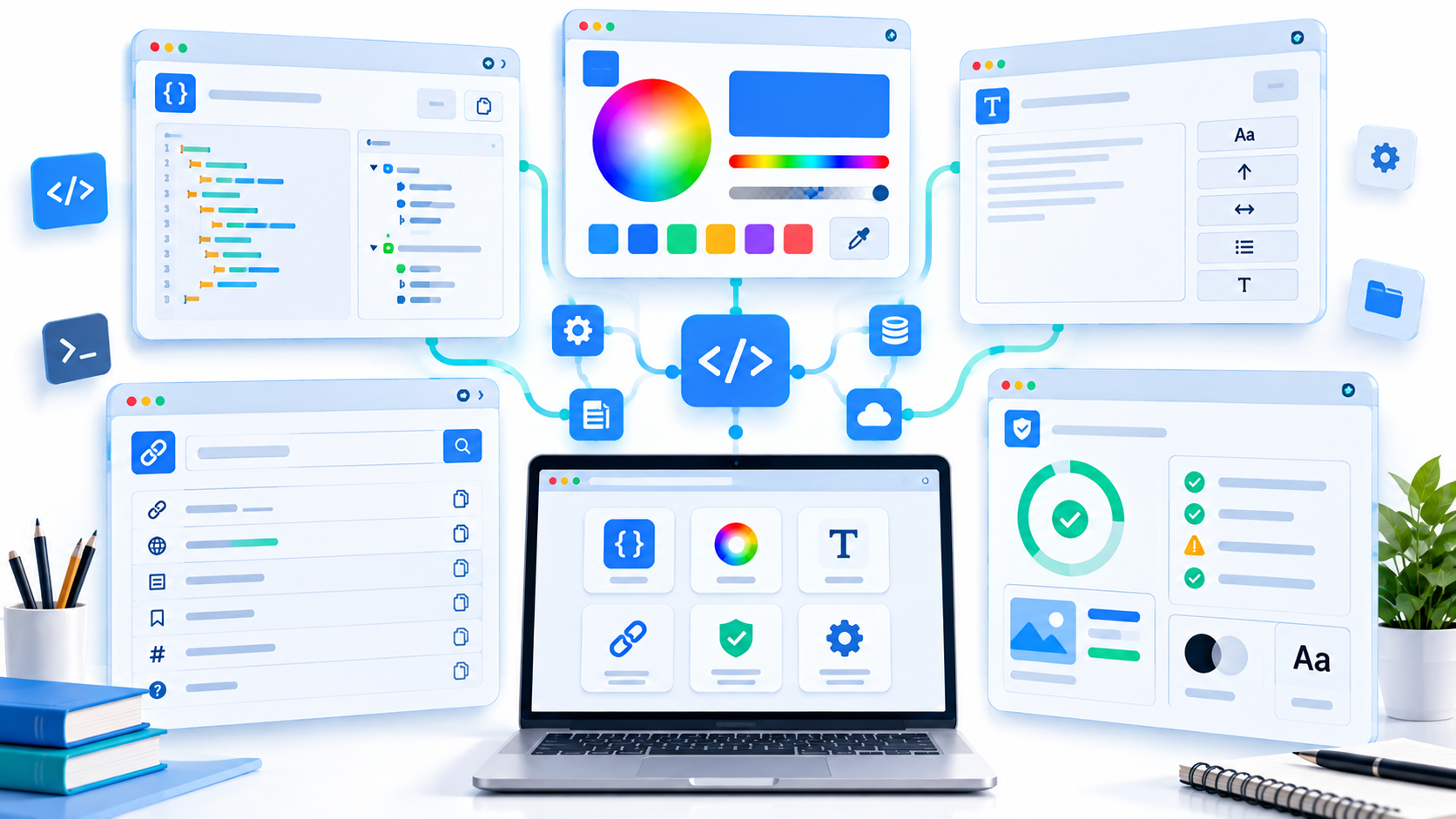
Plan a useful website, experiment with colors and typography, and export a design brief and CSS.
Design a website, practice your code, or automate a task. Explore interactive guides, useful tools, and quizzes that explain the reasoning—created by Laurence Svekis.
Read a lesson, try it in a studio, and leave with a plan or a result for your own project.
Plan a useful website, experiment with colors and typography, and export a design brief and CSS.
Turn a topic into a practice plan, build recall, and keep a workbook of what you can explain and do.
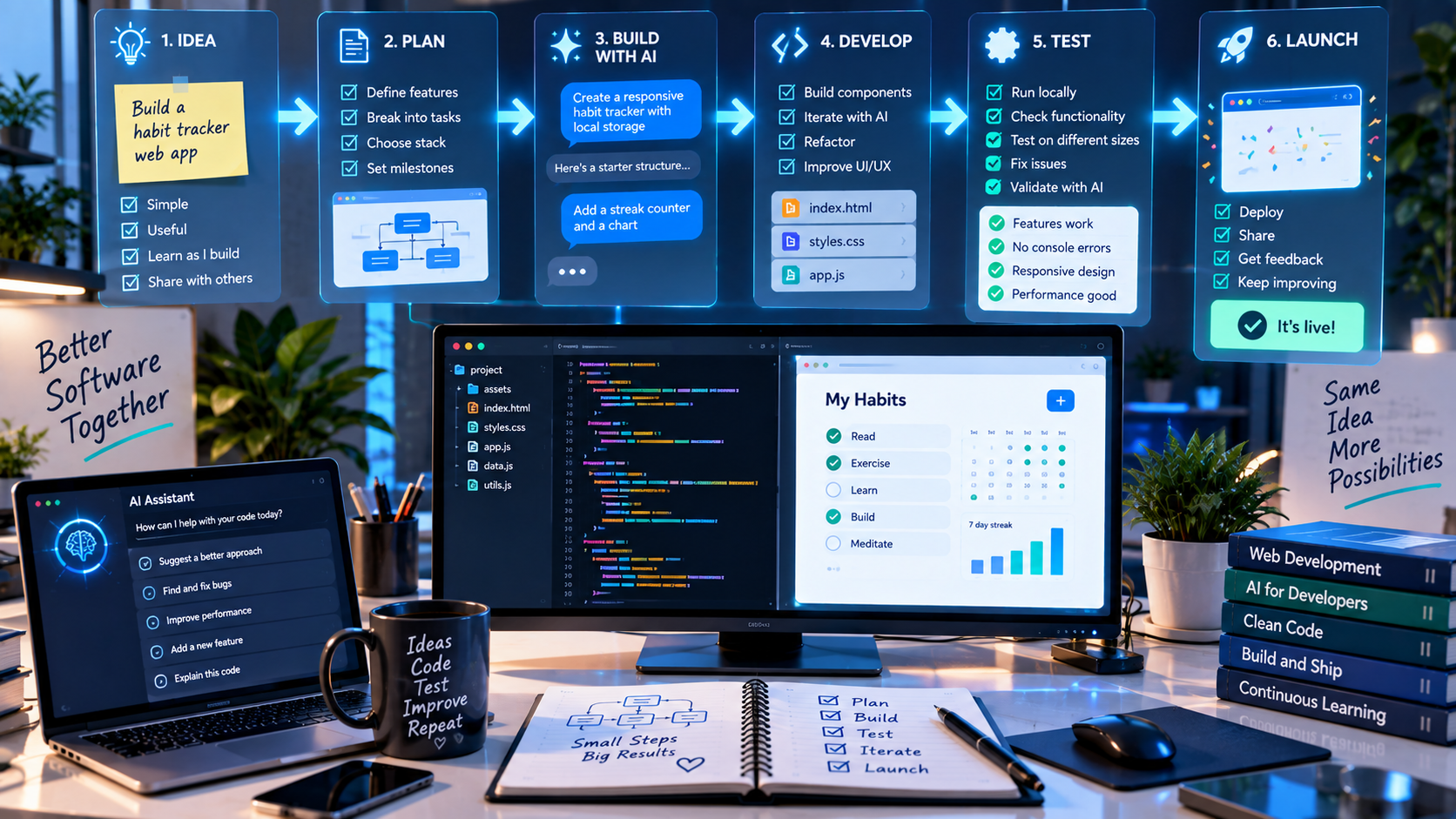
Take a small app from idea to tested result with guided lessons, Prompt Studio, and project practice.
150 new questions on frontend code, Google Apps Script, vibe coding, and vibe learning. Work through real scenarios, read the explanations, and return to your saved progress.
Read code, spot layout bugs, and reason about browser behavior.
Work through spreadsheet ranges, events, callbacks, and reliable automation.
Practice clear requirements, focused changes, and evidence-led debugging.
Check your understanding of recall, feedback, and independent practice.
Your progress stays in this browser. Quizzes include explanations, answer review, and another attempt when you’re ready.
Prepare clear AI instructions, review a prompt, or work out a layout and color combination. These tools help with a specific task so you can get back to building.
Build detailed prompts with task templates, context, examples, output formats, and a practical writing guide.
Open tool →Organize reference material into a labeled context pack with sources and instructions.
Open tool →Inspect prompt structure with transparent local checks and create a revision brief.
Open tool →Build responsive auto-fit or fixed-column grids with a resizable preview and ready-to-copy CSS.
Open tool →Check WCAG contrast ratios for text and background colors.
Open tool →Generate CSS clamp() font sizes that scale smoothly between your chosen viewport widths.
Open tool →The AI preparation tools create prompts and structured inputs locally; they do not call an AI model.
Explore the newer studios alongside the HTML, CSS, JavaScript, design, and automation guides.
Plan a useful website, experiment with colors and typography, and export a design brief and CSS.
Turn a topic into a practice plan, build recall, and keep a workbook of what you can explain and do.
Take a small app from idea to tested result with guided lessons, Prompt Studio, and project practice.
Create meaningful page structure with semantic elements, forms, and accessible interactions.
Build responsive layouts and reusable visual styles with hands-on CSS exercises.
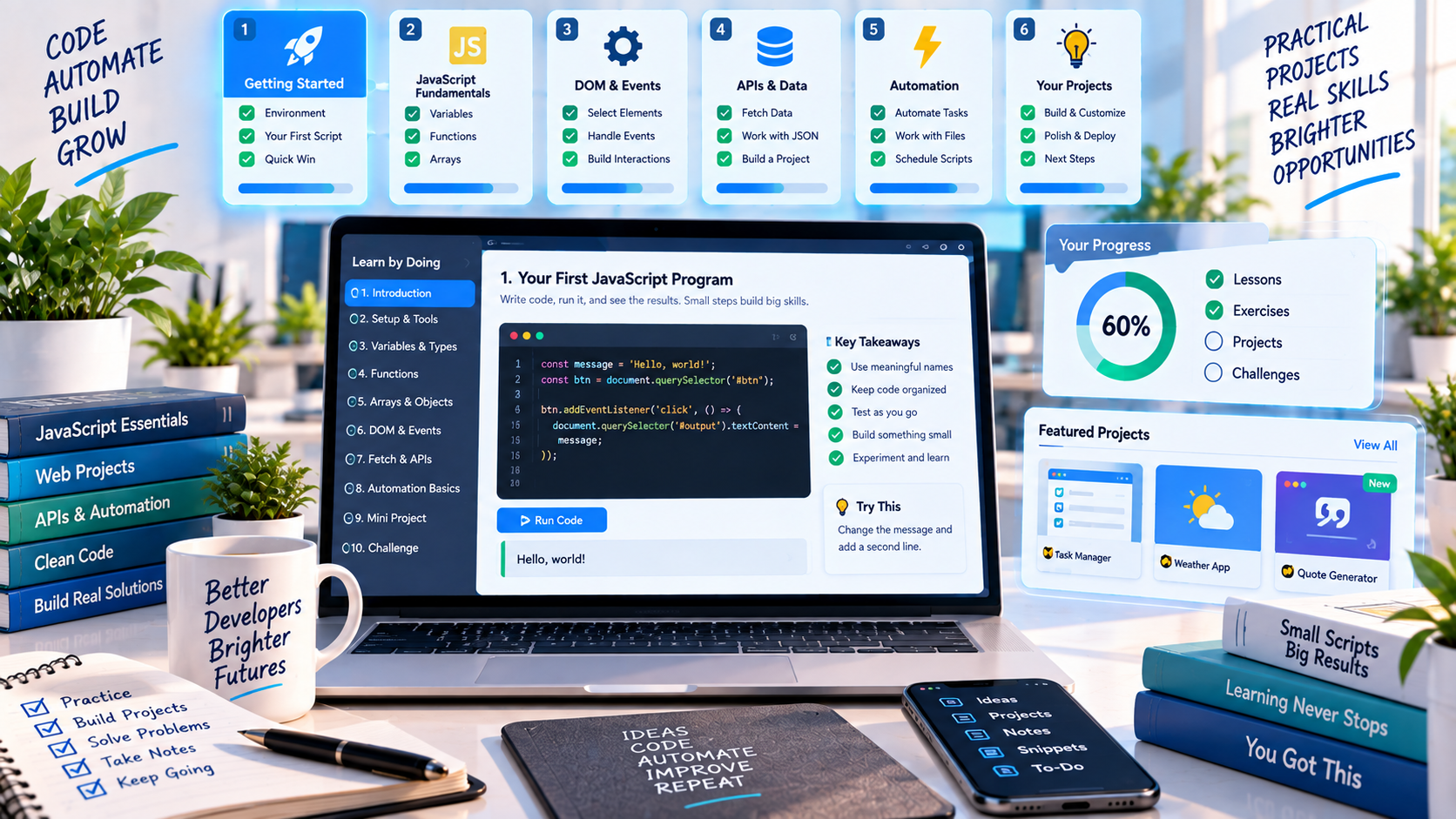
Build browser interactions and reason through data, events, async code, and debugging.
Automate Google Workspace and build reliable workflows through practical examples.
Work through the design process with layout labs, critique challenges, and accessibility checks.
Looking for an earlier Vibe Coding edition? All guide versions are in the directory.
Pair a guide with a practical tool or a quiz to put the ideas to use.
Start with meaningful HTML, add responsive CSS, then bring the page to life with JavaScript.
Learn Apps Script, then test your reasoning about ranges, event guards, and resumable jobs.
Learn the design process and use the studio to explore readable type, clear colors, and consistent spacing.
Use guided practice to develop your understanding, then apply it to a small app you can test and explain.
Explore courses, books, and the wider DiscoveryVIP collection when you’re ready to go deeper.
Explore practical courses, coding tutorials, and AI-supported learning built around real projects.
JavaScript, Google Apps Script, AI learning, productivity, and web development.
Browse courses ↗BCode examples, tutorials, and practical developer resources from Laurence Svekis.
Explore tutorials ↗VA guided approach to learning any topic with AI as an active learning partner.
Start learning ↗Recent coding articles and practical walkthroughs, refreshed automatically from the BaseScripts feed.
Discover a growing collection of free browser-based developer tools on DiscoveryVIP, designed to help you work with AI, generate better code, format data, improve websites, and si…
Read tutorial ↗BaseScriptsLearn how to turn your ideas into working applications with AI, even if you have never written code before. Discover a practical, step-by-step approach to vibe coding that helps y…
Read tutorial ↗BaseScriptsJavaScript development is changing quickly. We still need to understand the fundamentals—variables, functions, objects, arrays, events, the DOM, APIs, debugging, and application s…
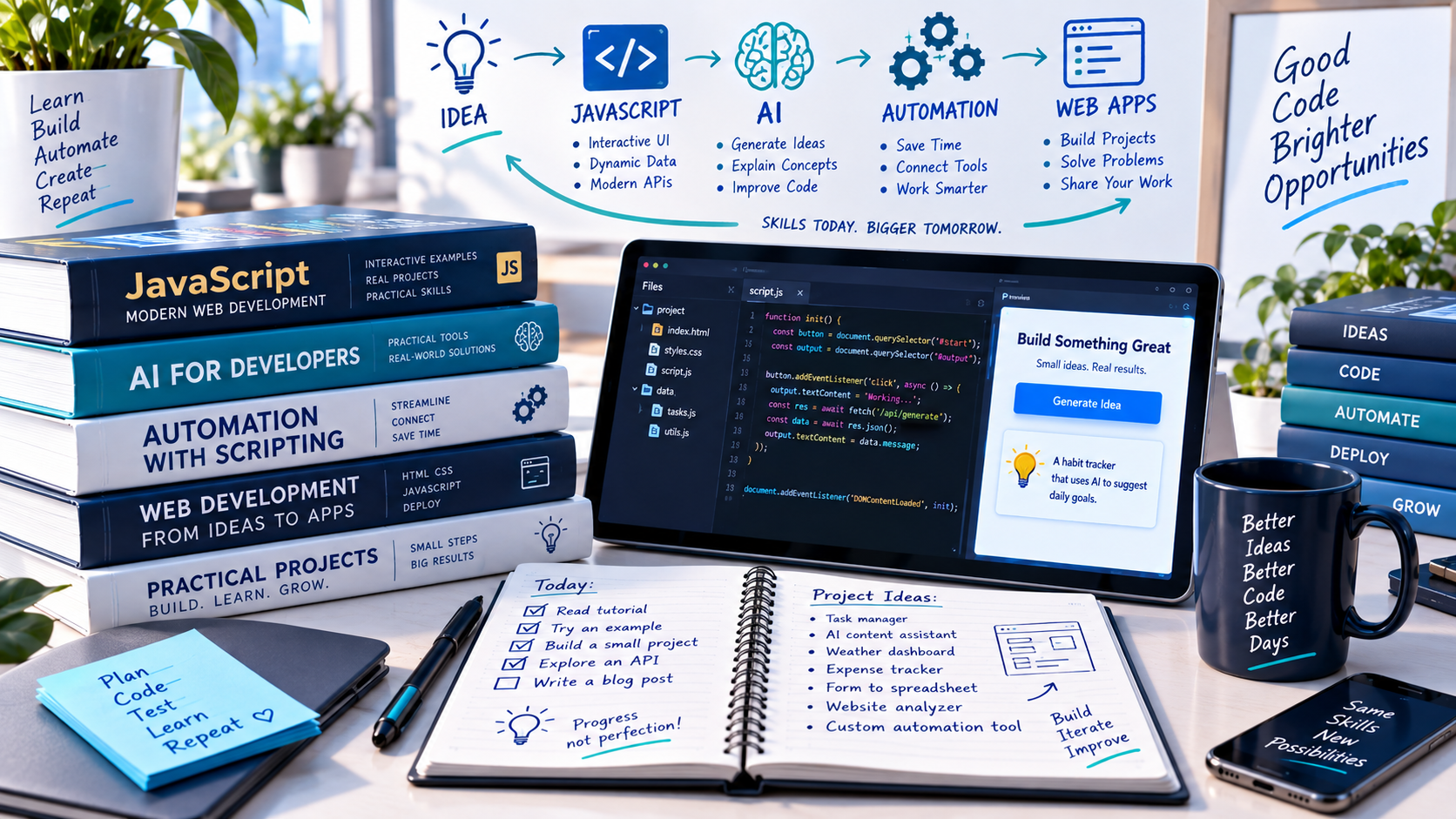
Read tutorial ↗Project-based books about JavaScript, practical AI, critical thinking, Google Workspace automation, and Vibe Learning.
Learn JavaScript quickly by building fun, interactive, and dynamic web apps, games, and pages
A comprehensive project-based path through core JavaScript, browser interaction, asynchronous code, regular expressions, Canvas, and real web applications. This project-focused guide develops practical JavaScript and frontend skills through browser examples, exercises, games, APIs, and interactive applications. Readers strengthen problem-solving skills while learning how the language, DOM, events, data, and modern development patterns work together.
Find on Amazon ↗A Complete Beginner’s Guide to Building AI-Powered Tools in Google Workspace
Build practical Gemini-powered tools for Google Docs, Sheets, Gmail, and Apps Script while learning request structure, validation, error handling, and responsible automation. Readers learn how Google Apps Script, Gemini, APIs, and Google Workspace services can work together to create useful automations and AI-powered applications. The emphasis is on practical workflows, reusable code, responsible data handling, and projects that can be adapted for real work.
Find on Amazon ↗Vibe Learning — A Practical Guide to Using AI Without Replacing Thinking
A human-centred framework for using AI to strengthen intent, practice, feedback, reflection, retention, and transferable understanding. This book explores human-centred ways to use AI for learning, teaching, feedback, retention, and deeper understanding without replacing critical thinking. It provides practical prompts, activities, reflection strategies, and repeatable methods for building durable knowledge and independent judgment.
Find on Amazon ↗Learn a repeatable workflow for turning an idea into working software with AI—without losing control of the code.
Read article →BooksChoose the right JavaScript learning path based on your experience, goals, and preferred style of practice.
Read article →Vibe CodingTurn a rough app idea into a focused specification an AI coding assistant can implement and you can verify.
Read article →